'%3e%3cpath%20d='M685%2040C693.837%2040%20701%2047.1634%20701%2056V565.9C701%20574.737%20693.837%20581.9%20685%20581.9H231.671C222.834%20581.9%20215.671%20589.064%20215.671%20597.9V685C215.671%20693.837%20208.507%20701%20199.671%20701H56C47.1634%20701%2040%20693.837%2040%20685V56C40%2047.1634%2047.1634%2040%2056%2040H685ZM231.671%20215.671C222.834%20215.671%20215.671%20222.834%20215.671%20231.671V390.229C215.671%20399.066%20222.834%20406.229%20231.671%20406.229H422.982C431.819%20406.229%20438.982%20399.066%20438.982%20390.229V231.671C438.982%20222.834%20431.819%20215.671%20422.982%20215.671H231.671ZM571.104%20215.671C562.268%20215.671%20555.104%20222.834%20555.104%20231.671V390.229C555.104%20399.066%20562.268%20406.229%20571.104%20406.229H577.812C586.648%20406.229%20593.812%20399.066%20593.812%20390.229V231.671C593.812%20222.834%20586.648%20215.671%20577.812%20215.671H571.104ZM438.981%20290.107H400.274V328.814H438.981V367.522H254.378V254.378H438.981V290.107ZM493.689%20254.378C484.853%20254.378%20477.689%20261.541%20477.689%20270.378V348.545C477.689%20357.381%20484.853%20364.545%20493.689%20364.545H500.396C509.233%20364.545%20516.396%20357.381%20516.396%20348.545V270.378C516.396%20261.541%20509.233%20254.378%20500.396%20254.378H493.689Z'%20fill='%23D97757'/%3e%3c/g%3e%3cdefs%3e%3cfilter%20id='filter0_d_35_48'%20x='0'%20y='0'%20width='741'%20height='741'%20filterUnits='userSpaceOnUse'%20color-interpolation-filters='sRGB'%3e%3cfeFlood%20flood-opacity='0'%20result='BackgroundImageFix'/%3e%3cfeColorMatrix%20in='SourceAlpha'%20type='matrix'%20values='0%200%200%200%200%200%200%200%200%200%200%200%200%200%200%200%200%200%20127%200'%20result='hardAlpha'/%3e%3cfeOffset/%3e%3cfeGaussianBlur%20stdDeviation='20'/%3e%3cfeComposite%20in2='hardAlpha'%20operator='out'/%3e%3cfeColorMatrix%20type='matrix'%20values='0%200%200%200%200.54902%200%200%200%200%200.454902%200%200%200%200%200.101961%200%200%200%200.25%200'/%3e%3cfeBlend%20mode='normal'%20in2='BackgroundImageFix'%20result='effect1_dropShadow_35_48'/%3e%3cfeBlend%20mode='normal'%20in='SourceGraphic'%20in2='effect1_dropShadow_35_48'%20result='shape'/%3e%3c/filter%3e%3c/defs%3e%3c/svg%3e)

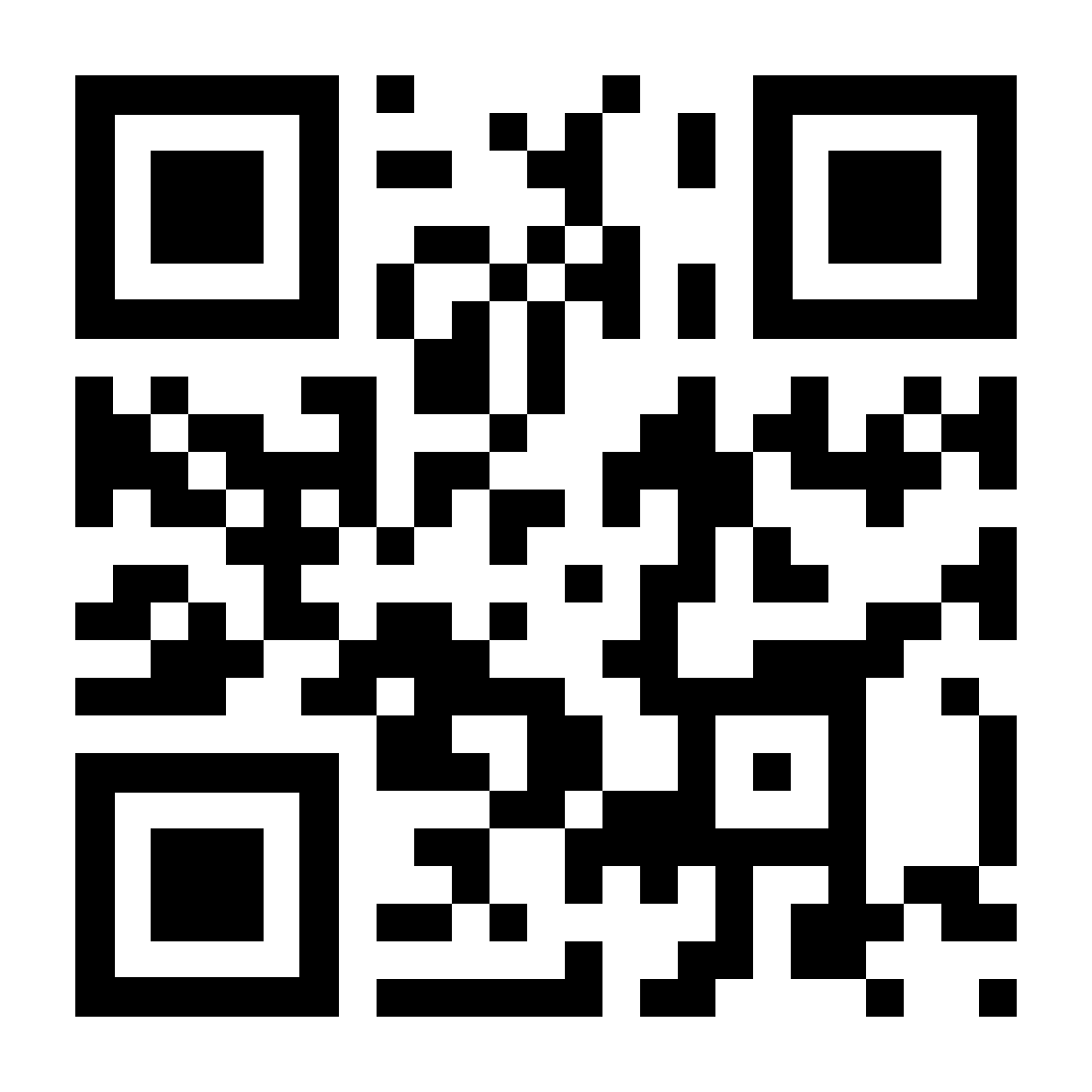
Generate QR codes in the app
The QR code is generated in a matter of seconds right inside the service and is immediately ready to use and receive notifications
- Generate a QR code in seconds with no lag
- Automatic connection to the notification system
- Convenient for personal tasks and professional scenarios